They ask whether a 32gb ram gaming pc makes sense in 2026. The question matters for gamers who stream, edit, or run many apps. This article shows when 32GB helps. It shows how to upgrade or build. It shows simple BIOS and OS settings to get top performance.

Key Takeaways
- A 32GB RAM gaming PC significantly benefits gamers who stream, record high-resolution clips, or run multiple background applications simultaneously.
- Most modern games run well on 16GB RAM, so a 32GB RAM gaming PC is best for gaming combined with heavy multitasking or large modded games.
- Before upgrading to 32GB RAM, users should check their current memory usage to ensure it regularly reaches 12–14GB during gameplay and streaming.
- When building or upgrading, choose a matched 2x16GB RAM kit compatible with your motherboard and CPU for optimal dual-channel performance and stability.
- Enable XMP or EXPO profiles in BIOS to run RAM at rated speeds and keep your system drivers and OS settings optimized to prevent memory issues.
- Balancing RAM capacity with a good CPU and GPU is crucial; extra RAM can’t compensate for a weak graphics card, so consider upgrades accordingly.
When 32GB Makes A Real Difference: Games, Streaming, And Multitasking Scenarios
Most modern games run fine on 16GB. Competitive players usually keep 16GB. But, a 32gb ram gaming pc helps in clear cases. They gain benefits when they stream and play at once. They gain benefits when they record high-resolution clips while running background apps. Games with very large open worlds and heavy mods can use more memory. Some examples include creative sims, large modded RPGs, and sandbox titles.
They see smoother performance when they run a browser with many tabs alongside a game. They see fewer stutters when they run virtual machines or memory-hungry tools while gaming. They keep more assets in RAM and reduce paging to disk. Lower paging reduces frame drops and input lag.
Benchmarks show varied gains. Reviews that compare systems find gains when memory use exceeds 16GB. Independent hardware benchmarks show measurable gains in streaming setups. Other GPU benchmarks highlight cases where extra RAM pairs with a faster GPU to keep framerate stable under load. The 32gb ram gaming pc shines when users combine high-resolution capture, content creation, and high graphics settings.
They should not buy 32GB just because it reads as future-proof. They should check current memory use first. They should use a task manager or a profiler to measure peak RAM while gaming and streaming. If peak use regularly hits 12–14GB with spikes, they will see value in 32GB. If peak use stays under 8–10GB, 16GB still fits most needs and saves cost.
How To Build Or Upgrade To 32GB: Parts, Compatibility, And Practical Choices
They must plan before they buy RAM. They must match the RAM to the motherboard and CPU. They must check supported speed and capacity in the motherboard manual. They must confirm slot counts and maximum per-slot capacity. They must decide between buying a new kit or adding sticks to an existing kit.
A practical route is to buy a matched 2x16GB kit for dual-channel motherboards. They get correct timings and avoid mixing different kits. Mixed kits can work, but they risk lower stability and slower timings. They should choose DDR4 or DDR5 based on the platform. They should prioritize a kit that the motherboard lists on its QVL when possible.
They should pair 32GB with an adequate CPU and GPU. Extra RAM cannot fix a weak GPU. Good builds balance memory with processing and graphics power. They should invest savings into a better GPU if they do not use many background apps. When they build, they should also consider cooling and a quality PSU to support the whole system.
They should review third-party tests before they commit. Articles that cover memory impact help set expectations. Tech sites often test how RAM speed affects frame rates and latency. One set of driver tests covers memory and GPU driver interactions. Those reviews help them decide whether higher-speed RAM yields practical gains for their CPU and GPU.
Choosing RAM Type, Speed, Capacity Configuration, And BIOS/OS Settings
They choose the RAM type that fits the motherboard: DDR4 or DDR5. They pick a speed that the CPU memory controller supports. They match the kit so the system runs in dual- or quad-channel mode. Dual-channel gives clear bandwidth benefits for gaming.
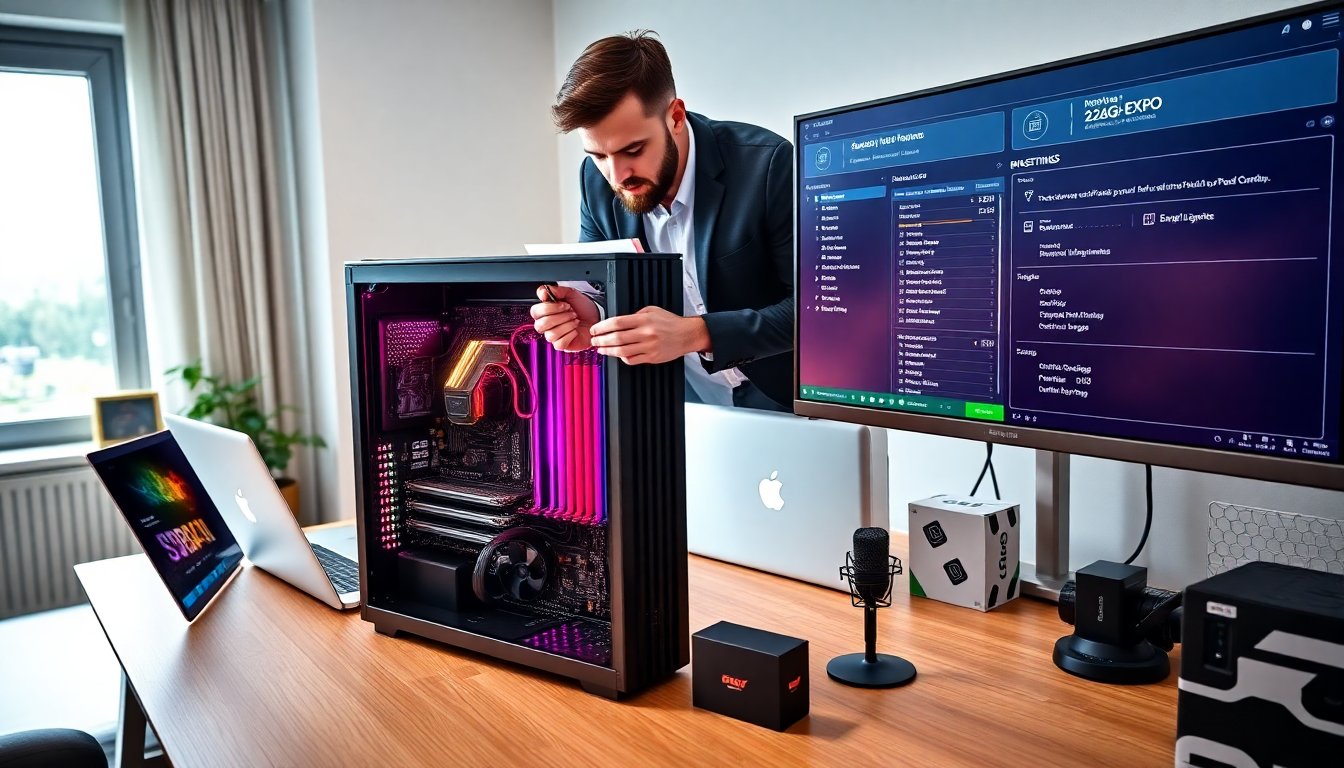
They set XMP or EXPO in the BIOS to run the RAM at rated speed. They enable one profile and save settings. They run a memory test after the change to confirm stability. If the system fails, they lower the speed or loosen timings.
They configure the OS for best use. They keep automatic updates on and drivers current. They set virtual memory to system-managed size unless they have a special need. They disable heavy background apps before gaming. They keep capture software and overlays updated to avoid memory leaks.
They monitor memory use with lightweight tools. They look for long-term leaks and sudden spikes. If they find leaks, they restart the offending app or adjust settings. For streaming, they reduce preview quality or lower capture bitrate if RAM use stays high.
They balance speed and latency against cost. Higher frequency RAM can yield small frame rate gains on some CPUs. Lower latency helps some workloads more. If budget limits them, they buy a reliable 2x16GB kit at a moderate speed. They will get large practical benefits in multitasking and content creation without overspending.