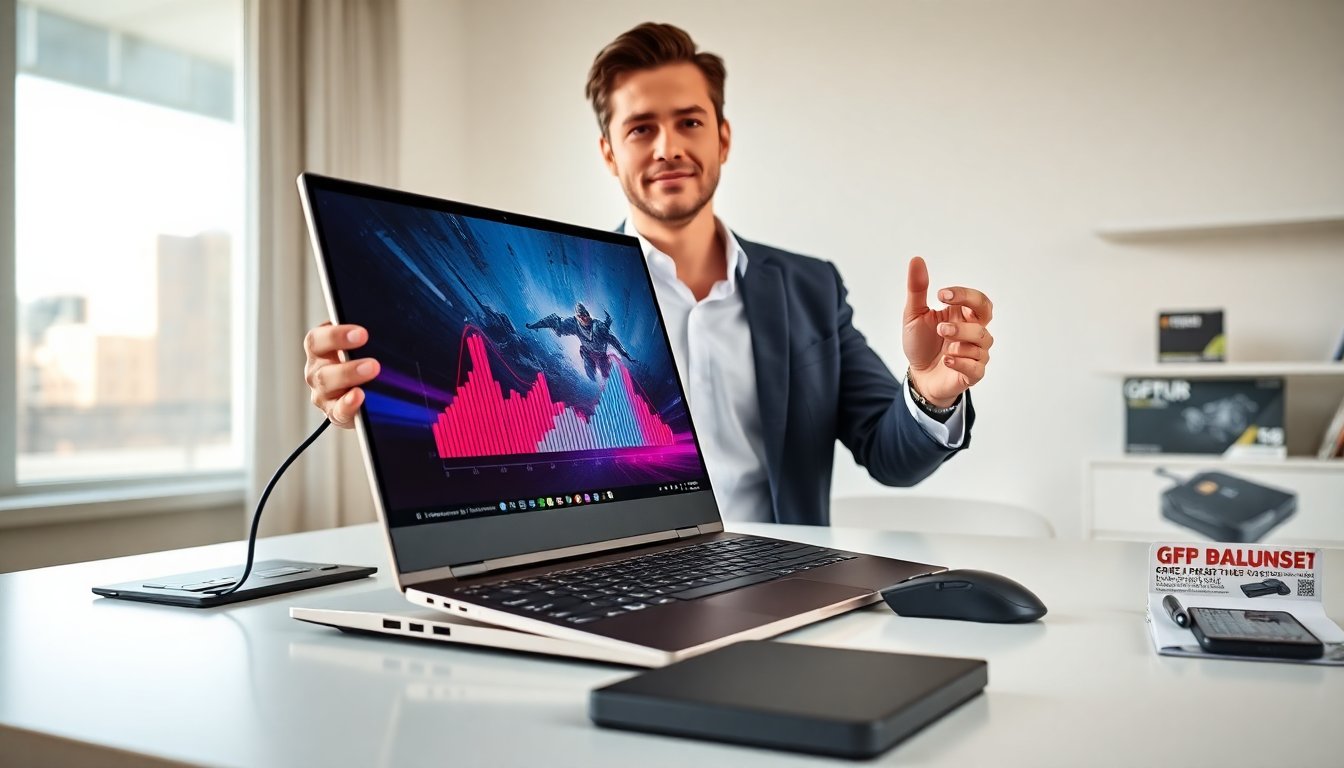
A thin and light gaming laptop lets players carry desktop-class power in a small package. This article compares strengths, limits, and use cases for these laptops. It shows what matters and what buyers should expect from performance, heat, and battery life.

Key Takeaways
- A thin and light gaming laptop combines desktop-level power with portability, ideal for gamers who travel or stream on location.
- Balancing CPU and GPU according to game type is crucial, with esports favoring high refresh rates and AAA titles needing stronger GPUs.
- Expect trade-offs in battery life (3–6 hours mixed use), thermal management, and peak performance due to compact design.
- Look for at least 16GB RAM, SSD storage, and a display with 144Hz or higher for smooth gaming experiences on thin and light gaming laptops.
- Higher-end thin and light gaming laptops use RTX 40-series GPUs for better performance, while budget models suit casual or esports gaming with some compromises.
- Testing devices in-store is recommended to assess keyboard, screen quality, heat, and noise before selecting a thin and light gaming laptop.
Why Choose A Thin-And-Light Gaming Laptop? Pros, Trade-Offs, And Who It’s For
A thin and light gaming laptop gives mobility and strong performance. A gamer who travels or streams on location finds these models useful. They offer high refresh displays, modern CPUs, and efficient GPUs in a compact chassis. The trade-offs include smaller batteries, tighter cooling, and sometimes lower peak frame rates than large gaming rigs. A buyer who values weight and size over maximum sustained performance should pick a thin and light gaming laptop. A buyer who wants top-tier thermals and easy upgrades should prefer a larger model. Reviewers often highlight thin models for design and build quality. Recent tested roundups show that many thin gaming laptops deliver good daily performance while sacrificing some extreme-load headroom. Buyers should match use case to hardware and accept trade-offs upfront.
What To Look For: Key Specs And Features (CPU, GPU, Display, Cooling, Battery)
A buyer should prioritize CPU and GPU balance. A modern mobile CPU and an efficient GPU give the best real-world playtime. The preferred combo depends on the games the buyer plays. For AAA titles at high settings, a faster GPU matters more. For esports titles, a high-refresh display and a strong CPU matter more. Buyers should look for at least 16GB of RAM and SSD storage for fast load times.
A display should offer 144Hz or higher for smooth play. A 1080p panel saves power and improves frame rates on mid-tier GPUs. A 1440p or 4K panel suits powerful mobile GPUs but cuts battery life. Cooling must move air effectively through a thin body. Manufacturers use vapor chambers, high-RPM fans, and heat pipes. Buyers should read thermals tests to verify sustained performance.
Battery size drives unplugged play. Thin frames limit battery capacity. A buyer should expect 3–6 hours of mixed use and 1–3 hours under heavy gaming on thin models. Ports matter. A thin and light gaming laptop should include at least one USB-C with DisplayPort and one full-size USB-A. Those options keep peripherals simple.
Practical Benchmarks: Real-World Performance, Thermals, And Battery Expectations
Benchmarks show how a thin and light gaming laptop performs in real conditions. Review labs run sustained load tests that measure clock speeds, surface temperatures, and frame-rate consistency. A thin chassis often forces GPU boost clocks to fall under long sessions. A buyer should expect short bursts of high FPS and longer periods of lower stable FPS in AAA titles. Thermal throttling can reduce FPS during long play sessions. A buyer should compare sustained clock graphs in reviews.
Battery tests show clear limits. A thin and light gaming laptop often scores lower playtime than a larger machine. Reviewers test battery life with web browsing, video playback, and gaming. For mixed use, these laptops commonly hit four hours. For gaming, they often hit one to two hours without an outlet. Cooling performance links to noise. Thin fans spin faster and produce more high-frequency noise under load. Buyers who need quiet operation should weigh fan noise against performance.
Tom’s Hardware maintains a comprehensive guide that lists test results and sustained-performance data for current models. Those tests help buyers predict long-term use and choose a thin and light gaming laptop that meets their needs.
Top Picks And Price Ranges: Best Value, Best Performance, And Budget Options
Manufacturers offer thin and light gaming laptops across price tiers. A buyer who wants best performance should look at high-end units that use mobile RTX 40-series or equivalent GPUs and high-end CPUs. Those models cost more but deliver higher FPS in demanding games. A mid-range buyer finds good value in models with efficient RTX 40-series Max-Q chips or the latest AMD mobile GPUs. These laptops balance frame rates and battery life for many gamers.
Budget thin models exist but they carry clear limits. They use lower-tier GPUs and sacrifice display quality or heat handling. For casual gaming and esports at medium settings, a budget thin and light gaming laptop can work well. Shoppers should compare features across reviews and price points. Trusted review sites publish side-by-side comparisons and price analysis. A reader can consult up-to-date buyer guides for model lists and price checks.
A buyer should test a candidate in store when possible. They should confirm keyboard feel, screen quality, and heat under short loads. If a buyer plans heavy daily gaming, they should prefer a better-cooled model even if it weighs a bit more. If a buyer plans travel and streaming, they should favor the lightest model with adequate GPU power. A targeted choice yields the best balance between power and portability.