Gamers choose desks for gaming to match play style, space, and budget. This guide lists key features that matter. It explains size, surface, cable options, and ergonomics. Readers learn how to pick a desk for gaming that supports long sessions and fast reactions.

Key Takeaways
- Choosing the right desks for gaming involves matching desk size, surface, and cable management to your gaming style and space limitations.
- Select a desk with a stable frame and high weight capacity to support heavy monitors and mounts for uninterrupted gameplay.
- Prioritize ergonomic setup by adjusting monitor height, chair position, and desk accessories to reduce strain and improve reaction time.
- Consider desk types—PC, console, standing, or compact—to suit your gaming setup, whether for multi-monitor use, a console focus, or space-saving needs.
- Effective cable management and storage solutions keep your gaming area organized and enhance focus during long sessions.
- Adding accessories like monitor arms, large mouse pads, and surge protectors can protect gear and optimize your gaming performance.
How To Choose The Perfect Gaming Desk For Your Needs
Gamers should define their needs before they shop. They list PC or console use, monitor count, and available space. They note budget and whether they want a standing option. They measure room width and depth. They check door and stair access.
Buyers prefer desks for gaming with stable frames. A stable frame prevents wobble during intense play. They look for steel legs or reinforced wood. They check weight capacity to match monitors and mounts. Heavier setups need higher capacity.
Surfaces matter for mouse control and comfort. Gamers pick a matte surface for low glare. They add a large mouse pad when they use precise aiming. They avoid glossy laminates that show scratches.
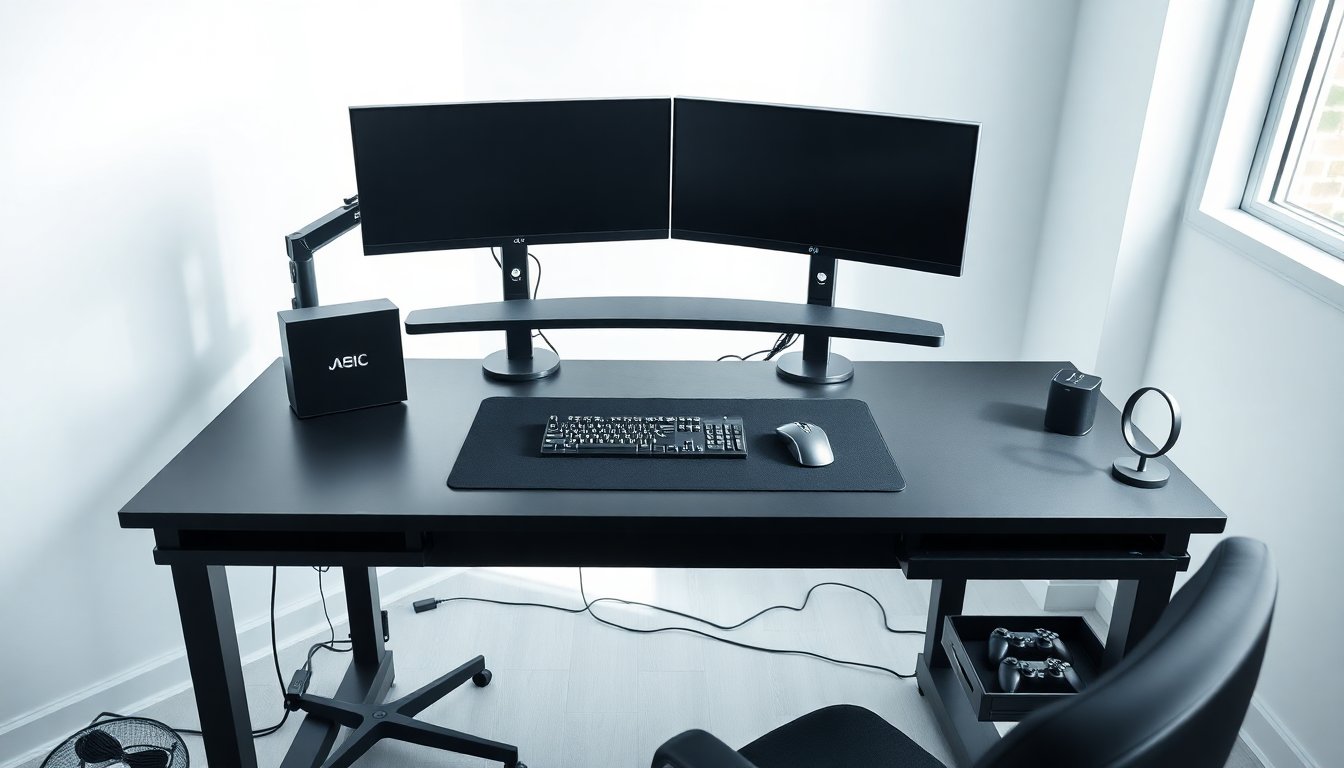
Cable management improves focus. Good desks for gaming include grommets, trays, or hooks. They hide power strips and adapter clutter. They route headset and controller wires for easy reach.
Storage affects setup speed and hygiene. Gamers need drawers or shelves for controllers and adapters. They store spare cables and cleaning cloths near the desk. They keep snacks off the surface to avoid spills.
For detailed buying criteria, readers can consult a current gaming desk guide. The guide highlights competitive needs and lists features that improve reaction time. It also shows desk choices for tight budgets and pro setups.
Top Desk Types Compared: PC, Console, Standing, And Compact Options
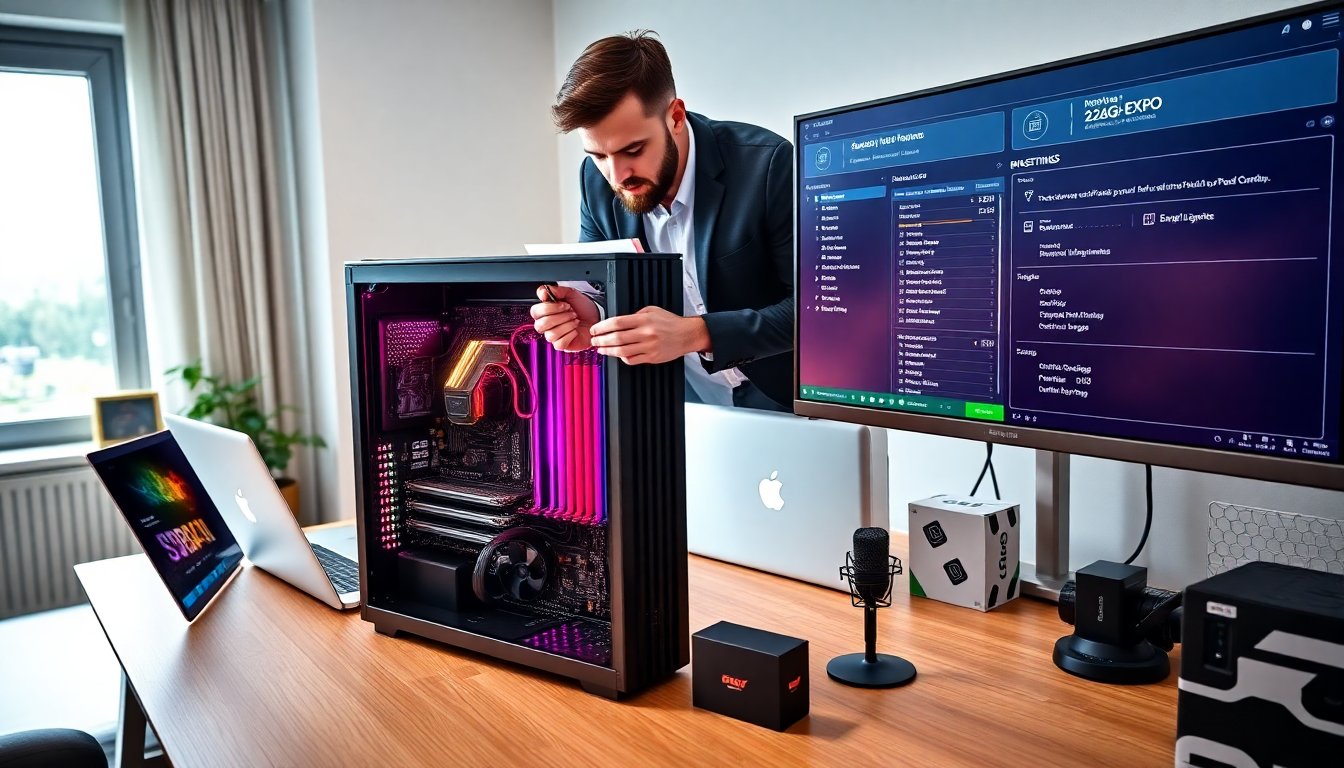
A PC desk suits multi-monitor setups and PC towers. It provides wider surfaces and cutouts for cables. Gamers using RGB systems prefer desks with venting and clearance. They place the tower on a raised shelf or floor mat to protect it.
A console desk focuses on media and controller storage. It fits a TV or monitor and keeps consoles ventilated. They place consoles on open shelving to prevent heat buildup. A console desk often has space for a headset stand and controller docks.
Standing desks improve posture and reduce sitting time. They let users switch positions during long sessions. They come in manual and electric lift models. Heavier setups need stronger motors and larger tops. For comparisons of current models, consult a standing desk guide. The guide rates lift stability and motor noise.
Compact desks fit small rooms and dorms. They give gamers essential surface area without excess bulk. They often include vertical shelves or monitor mounts. Gamers choose compact desks when they need a simple setup or a secondary station.
Gamers should match desk type to play style. Competitive players often choose PC desks with space for low-sense mouse movement. Streamers choose desks with cable runs and microphone mounts. Casual players pick compact or console desks for easy entry.
For review summaries and hands-on tests, readers can view a set of professional desk reviews hub. The hub compares durability, ease of assembly, and price across desk types.
Ergonomics, Setup Tips, And Must-Have Accessories
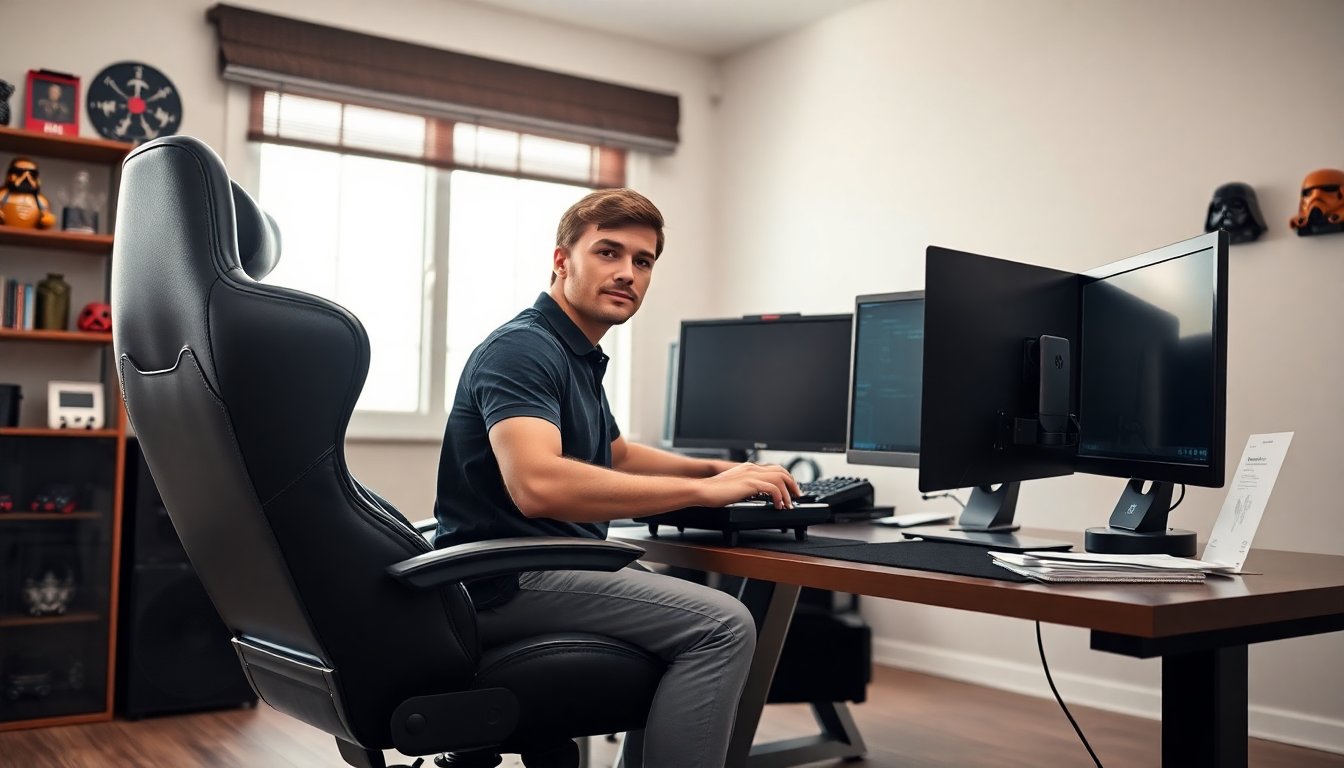
Ergonomics reduce strain and improve reaction. Gamers set monitor height so the top third sits at eye level. They place the keyboard and mouse so wrists stay straight. They keep elbows at roughly a 90-degree angle.
Seat choice links to desk height. Gamers use adjustable chairs when desks sit at standard heights. They use a footrest if their feet do not reach the floor. They adjust chair lumbar and armrests to support posture.
Lighting affects visibility and mood. Gamers use bias lighting behind the monitor to reduce eye fatigue. They choose cool white for focus and warm white for relaxed play. They avoid direct overhead glare on screens.
Accessories speed setup and protect gear. A monitor arm frees desk space and allows quick height change. A headset stand keeps headphones in reach. A surge protector protects consoles and PCs from power spikes.
Cable ties and a tray keep power and USB lines tidy. Gamers label cables at both ends for easy swapping. They route cables along the desk frame to prevent tangles and tripping hazards.
A good mouse pad improves aim and protects the desk. Gamers choose a large pad that fits keyboard and mouse. They clean the pad regularly to maintain glide.
Heaters or fans protect components in extreme climates. Gamers add a small fan for shelves that trap heat. They avoid enclosing consoles in closed cabinets without airflow.
They test the full setup before long sessions. They play for an hour and note discomfort points. They move the monitor or raise the chair until the view and reach feel right. They repeat adjustments until the setup supports long play.